Fly through your email.
Free email for Windows. A key for every action, and an AI that stays on your PC.
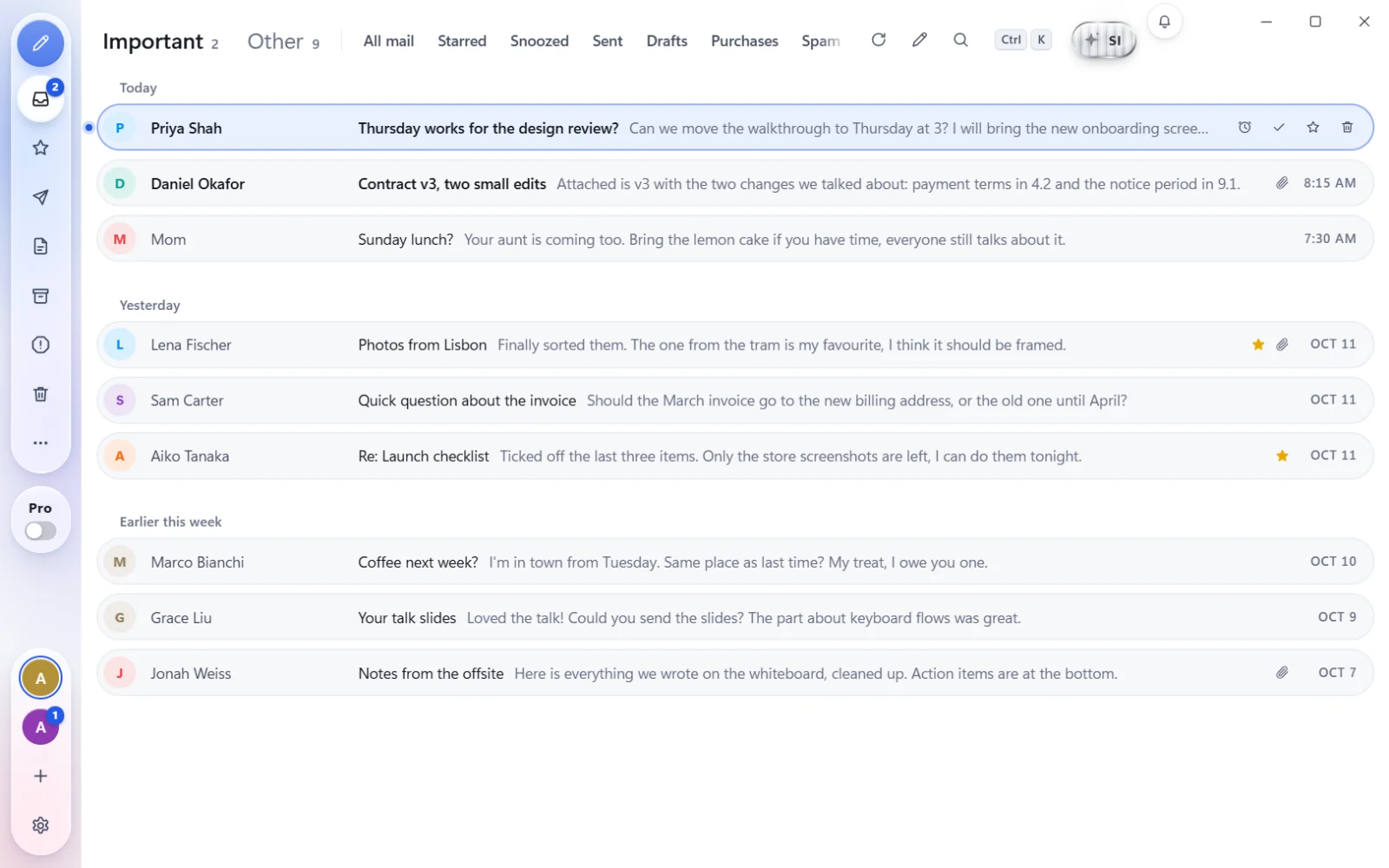
Try it: press J or K to move, E to finish an email.
Make it yours.
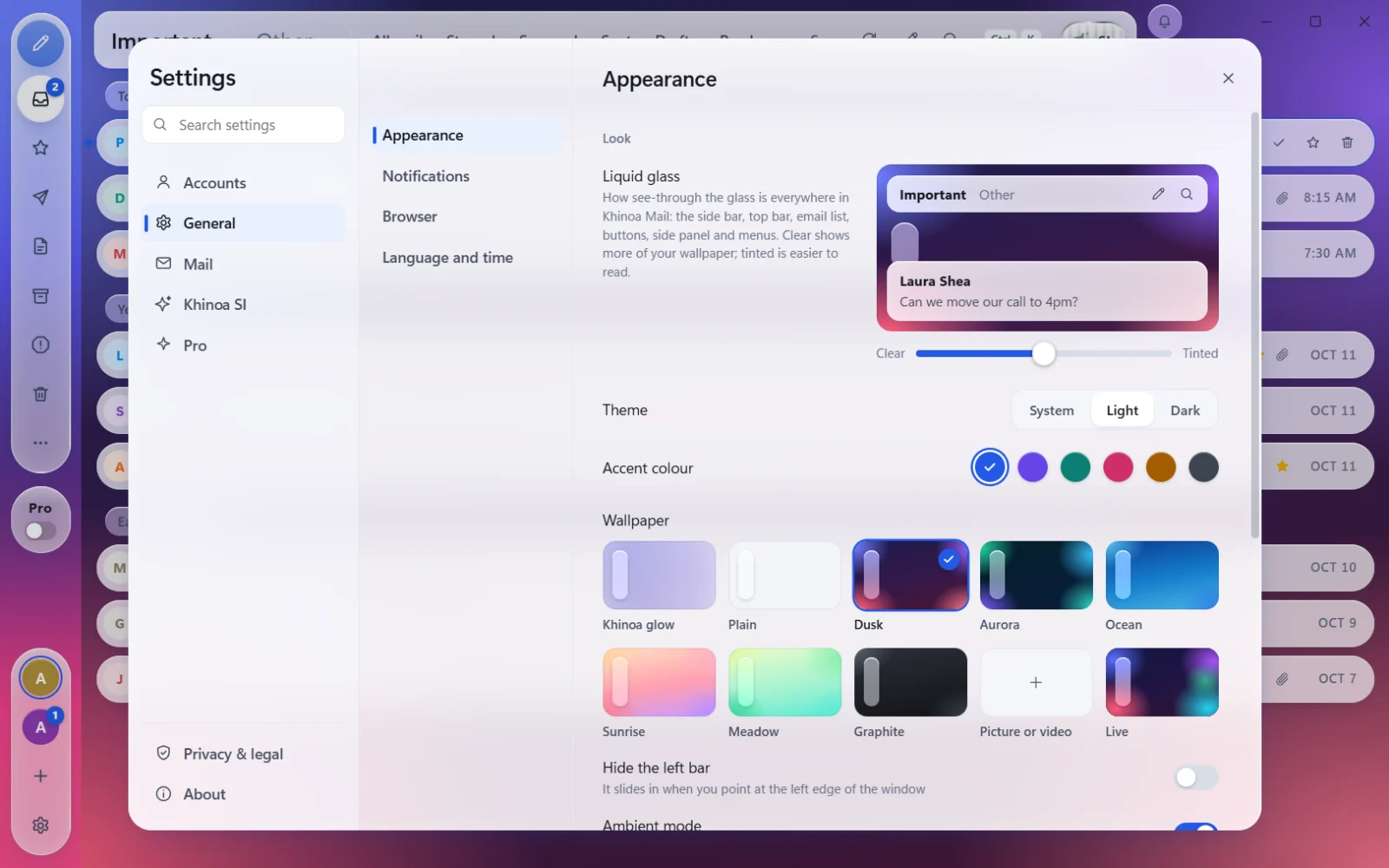
Liquid glass you can tune from clear to tinted, wallpapers that move, light or dark. Same speed, your look.
Khinoa glowGlass 50Light
Email shouldn't eat your day.
Most mail apps make you click through tabs, menus and a browser that never closes. Khinoa Mail is a Windows app built the other way round: the mail that matters comes first, every action has a key, and an AI on your own PC does the busywork.
- Fly through it.J and K to move, E to finish, H to snooze. Clear a full inbox without reaching for the mouse.
- See what matters first.Mail from people lands in Important. Newsletters, receipts and notifications wait in Other until you want them.
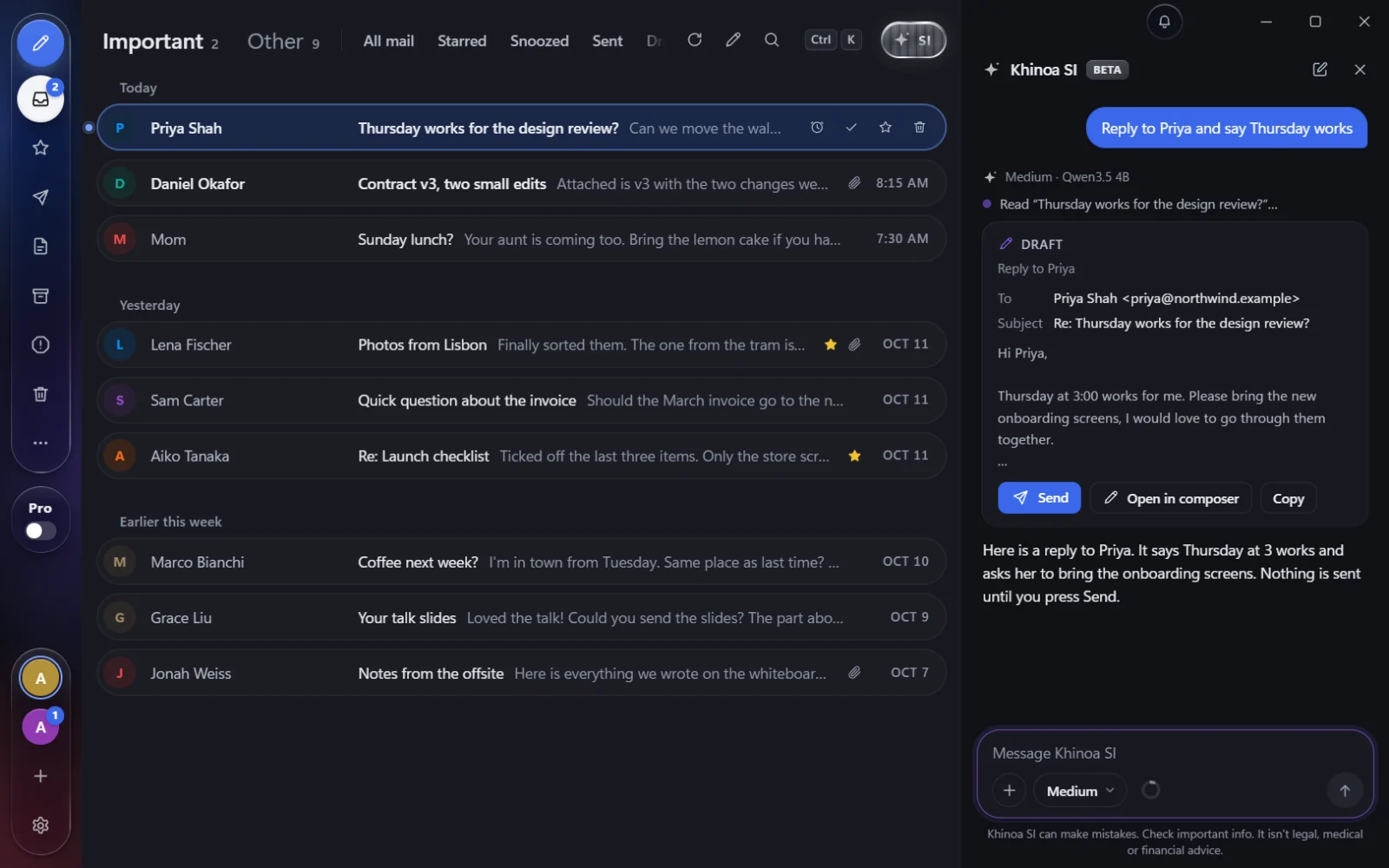
- Hand off the busywork.Ask Khinoa SI to catch you up or write the reply. It works on your PC and waits for your Send.
One key for everything.
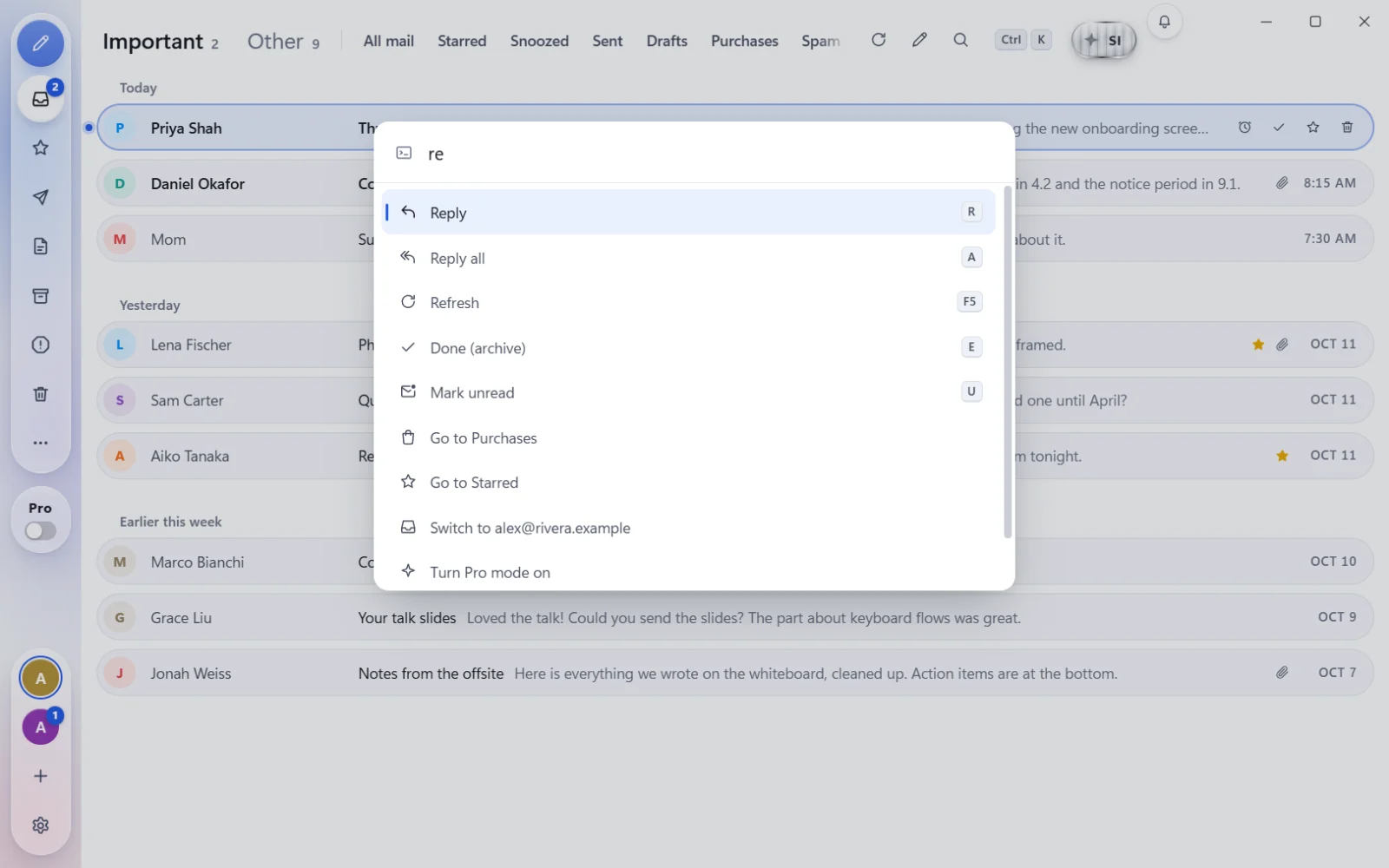
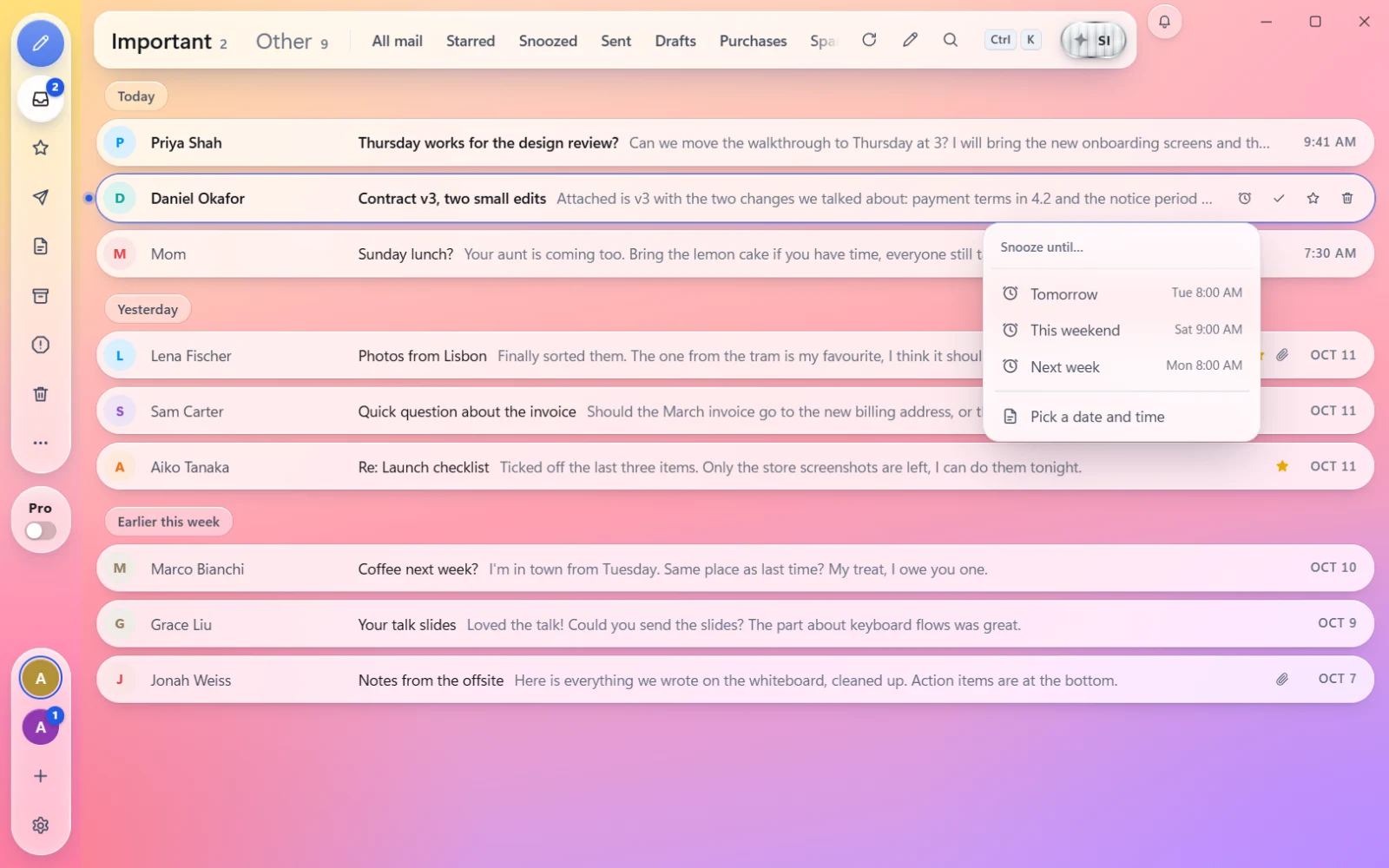
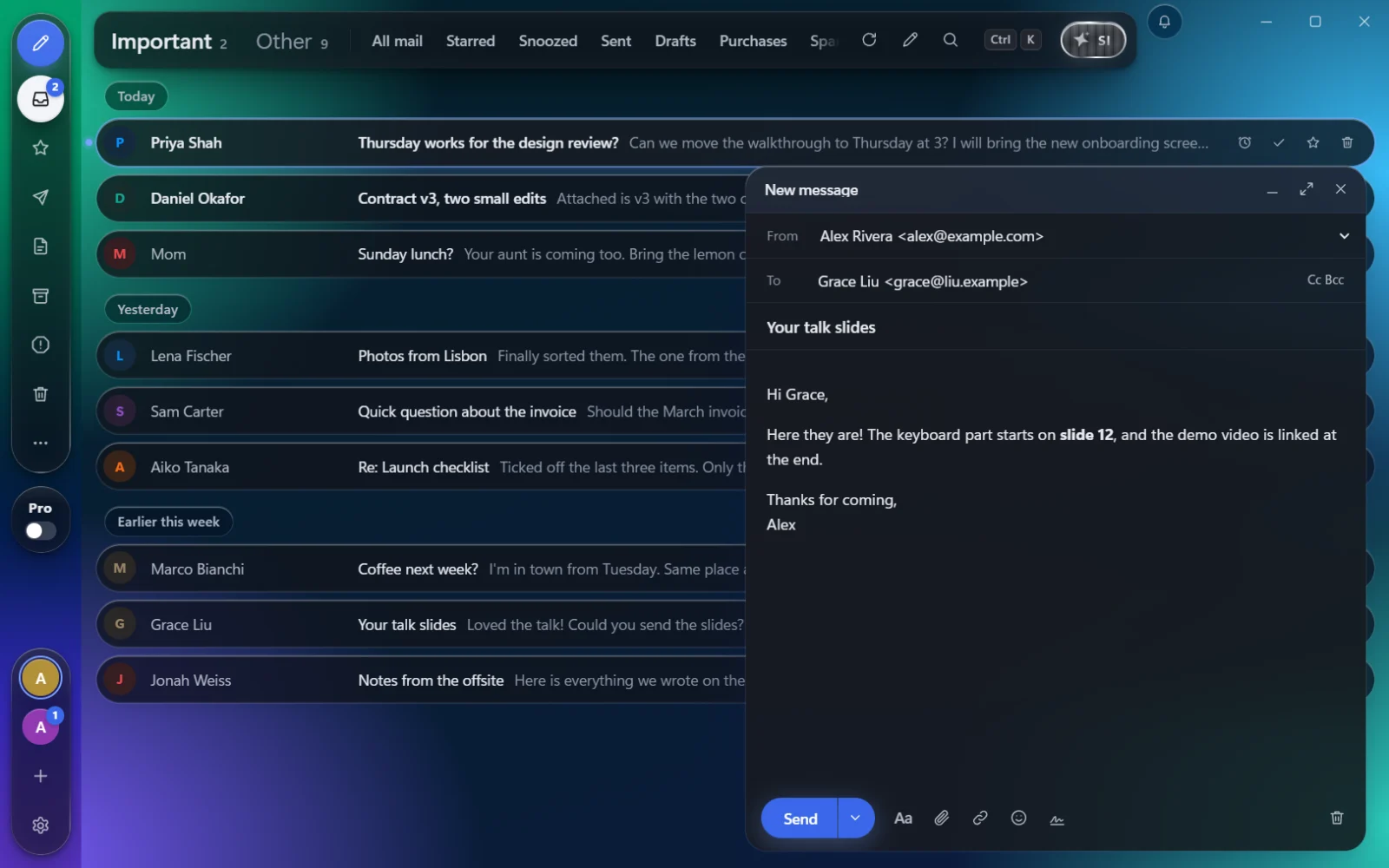
Wallpapers that move.
Put a video behind your inbox. Pick your own MP4 or WebM, up to 500 MB, and Khinoa Mail plays it muted and looping under liquid glass that keeps your mail easy to read. It pauses whenever the window is hidden.
Prefer something calmer? Live is the built-in wallpaper of slowly drifting colour.

Live demo · made-up emails
- Ctrl,Open Settings
- AppearanceChoose Picture or video
- Your fileA photo, or a video up to 500 MB, even 4K
Aurora and Golden hour are example videos made for this page. A file you try here stays in your browser; nothing is uploaded.
Every address. One app.
Sign in to Gmail with Google in one click. Any other address works with its password, and Khinoa finds the server settings for you. Outlook and Hotmail sign-in is on the way.
Mail from people lands in Important. Newsletters, receipts and notifications wait in Other, so the first tab is the one that matters.
- GmailSign in with Google
- Any other addressYahoo, iCloud, QQ, Naver, Kakao, your work domain
- Outlook and HotmailComing soon
Khinoa MailEvery account, Important first
An AI that lives on your PC.
Khinoa SI reads, sums up and drafts right on your computer. Nothing you ask it goes to a cloud, and it asks before it sends anything.
- On your PC
- Runs an open Qwen3.5 model (2B or 4B) on your graphics card or processor. You download it once.
- Asks first
- Sends, forwards or deletes only when you say so. By default, every email waits for your Send.
- Knows your inbox
- “Catch me up.” “Find the contract from Daniel.” “Reply to Priya.” Press Ctrl J from anywhere.
- Beta
- Khinoa SI is optional and still in beta. Read what it writes before you send it.
Fast where it counts.
New mail pops up in the corner within seconds. Sign-in codes get a Copy button, so you never retype six digits again.

Every key
- JK
- Next, previous
- Enter
- Open
- E
- Done
- Z
- Undo
- R
- Reply
- A
- Reply all
- F
- Forward
- C
- Write
- H
- Snooze
- S
- Star
- U
- Mark unread
- #
- Delete
- /
- Search
- Tab
- Important, Other
- CtrlK
- Everything else
- CtrlJ
- Khinoa SI
Safe, and yours.
Safe by default
- Trackers blocked. Hidden pixels that tell a sender when you opened their email are taken out before it shows.
- One-click unsubscribe. Newsletters get an Unsubscribe button right in the email.
- Fakes flagged. An email that failed your provider’s checks, or hides its real address behind a name, gets a clear warning.
- Links checked. A link made to look like a bank or a brand asks before it opens.
Private by design
- Straight to your provider. Your email travels between your PC and your email provider. Khinoa keeps no copy of it.
- Locked by Windows. Passwords and sign-ins are encrypted with Windows' own protection, on your PC.
- Scripts never run. Code hidden inside an email is blocked, every time.
- AI on your PC. Khinoa SI thinks on your computer, so your questions stay there too.
Khinoa Mail's use and transfer of information received from Google APIs adheres to the Google API Services User Data Policy, including the Limited Use requirements. Read the Privacy Policy.